
AI Policy-to-Practice Navigator
-
The Navigator helps you transform big directives from National, State and Sector authorities into manageable practices.
-
A use case is a short, real-world scenario showing exactly how a specific person performs a task to solve an everyday classroom problem.
-
Following the ‘agile’ formula a use case is in three parts: As a [name of role] + I want to [description of the intended action] + so that [description of the benefit gained].
Example:"As a Year 8 English teacher, I want to use AI to generate four reading levels for one source article, so that every student’s reading ability is reflected in the comprehension questions of the key ideas in the text."

Phase 1 Setting-up an AI workspace
Establish your compliance boundaries by understanding how National, State and School-based policies ensure your focus on curriculum standards and data privacy rules. This anchors all AI responses into local guidelines while strictly protecting student data privacy.
Unpack the rich information in curriculum standards into clear "Know, Understand, Do" targets tailored across School Strategic Plans. By running gap analyses on existing units, you turn the ‘big ideas’ of learning programs into engaging, differentiated student materials .
Phase 2 Progress Mapping

Phase 3 Assessment Connections
Conducting backward-design checks to build process-focused rubrics. This ensure a productive relationship between formal and summative assessments and looks at drafting and critical analysis, ensuring evaluations reflect what was actually taught.

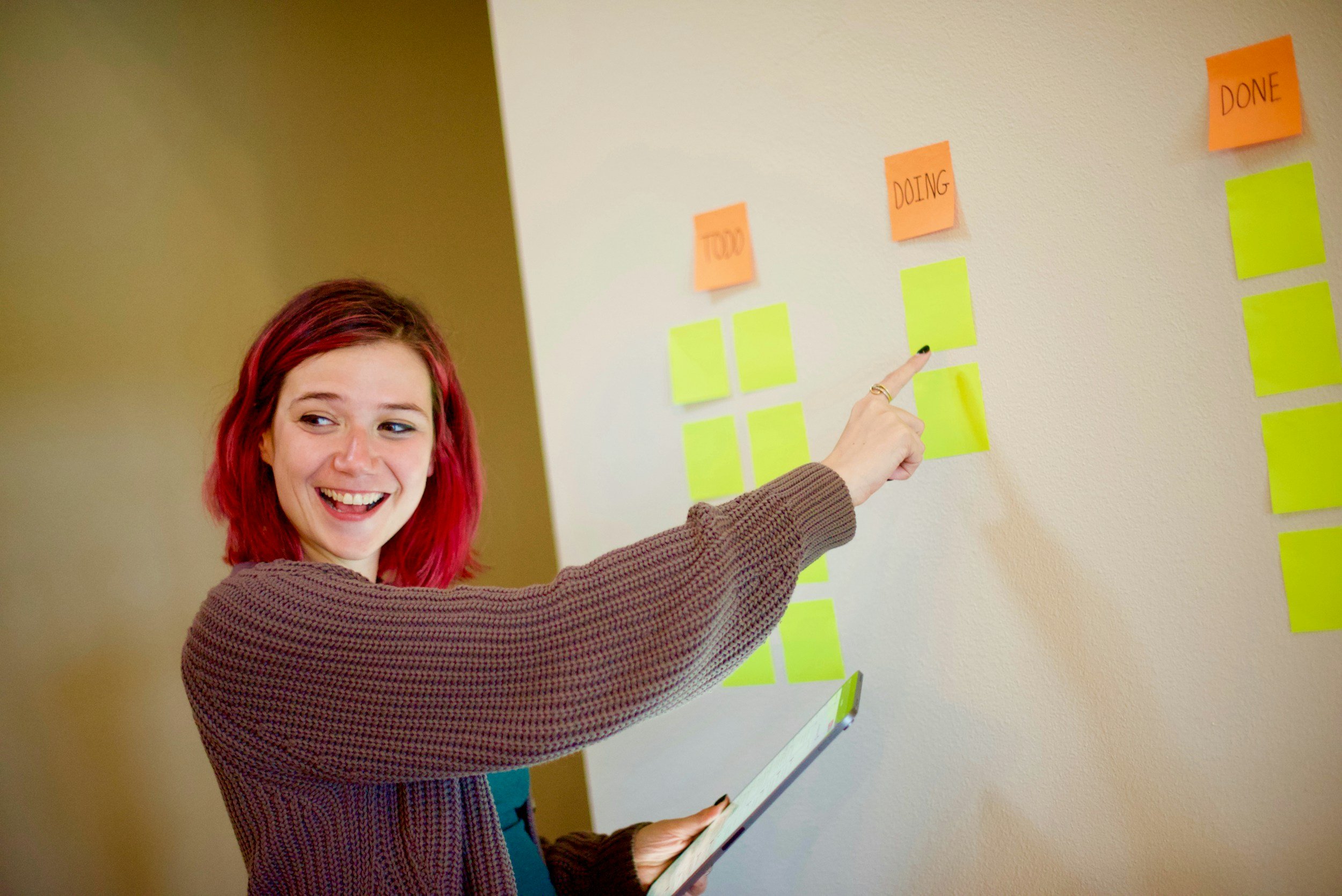
Organise multi-week units into dynamic command centres. For instance, look at our 4-tab Google Sheet template for live tablet tracking. This equips teachers with real-time observational tools to make quick, data-driven lesson changes during everyday instruction.